LogoClearspace & Usage
01 — Placement
The Hacker's Unity mark is always placed dead-center within its frame or canvas. It is never anchored to a corner or edge, and never crowded by other elements.
02 — Clearspace
A minimum clearspace of 5–6px is maintained on every side of the logo at small scale. Nothing – text, imagery, or edge – may enter this zone.
03 — Approved Variants
Only two variants exist: the black mark for light surfaces, and the white/cream mark for dark surfaces. There is no color, gradient, or monochrome-alt version.
04 — No Modification
Do not recolor, distort, stretch, rotate, outline, add effects to, or otherwise alter the mark in any way. Scale proportionally only.
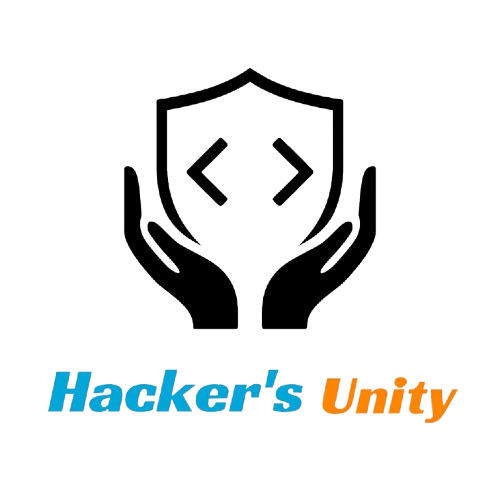
Black Variant — On Light Surfaces

White Variant — On Dark Surfaces
Color PaletteOverview
Core
Black is the core identity color, carried by the icon and used for primary text and UI surfaces.
Accent Duo
Sky Blue and Signal Orange are reserved for the wordmark – "Hacker's" in blue, "Unity" in orange. They are never swapped or blended into one solid color.
Neutrals
Cream and White support the palette as background and reversed-mark tones. Cream pairs with the dark mark; White is the default page background.
Usage
No tints, gradients, or off-palette colors are introduced. Every surface in the system draws from these five values only.
Black
RGB 0, 0, 0
HEX #000000
CMYK 0, 0, 0, 100
Sky Blue
RGB 0, 168, 218
HEX #00A6DA
CMYK* 100, 24, 0, 15
Signal Orange
RGB 255, 133, 0
HEX #FF8500
CMYK* 0, 48, 100, 0
Cream
RGB 238, 229, 212
HEX #EEE5D4
CMYK* 0, 4, 11, 7
White
RGB 255, 255, 255
HEX #FFFFFF
CMYK 0, 0, 0, 0
Typography& Wordmark
Wordmark Construction
The wordmark is always set in bold italic. "Hacker's" renders in Sky Blue (#00A6DA), "Unity" renders in Signal Orange (#FF8500). The two words are never merged, recolored, or displayed in a single hue.
Lockup
The icon and wordmark always appear together as a vertical lockup. The wordmark sits directly below the icon with consistent spacing. Horizontal lockups are not approved.
Minimum Size
The full lockup (icon + wordmark) must not be rendered smaller than 48px in height on screen, or 12mm in print. Below this threshold, legibility of the wordmark degrades.
Official Wordmark — Always Two Colors
Downloads& Assets
Use only the official assets below. Do not recreate, trace, or approximate the mark.